Q: I have implemented a slide show on our pre-production site, but I was at that time unaware of your product as such and took someone's design, manipulated it to my needs and it works fine.
When I purchase the unlimited business edition, will I be able to remove the copyright/watermark from the existing site or will I have to do the slide show from scratch.
A: You should save your slideshow as a project file (.vislb). You will be able to open it in the future and make changes.
To remove our watermark you should in full registered version go to
Gallery->Properties->Images
uncheck "Watermark" option, re-generate your slideshow and upload new files on your server.
So, if you didn't save your slideshow as a project file, you should do the slide show from scratch.
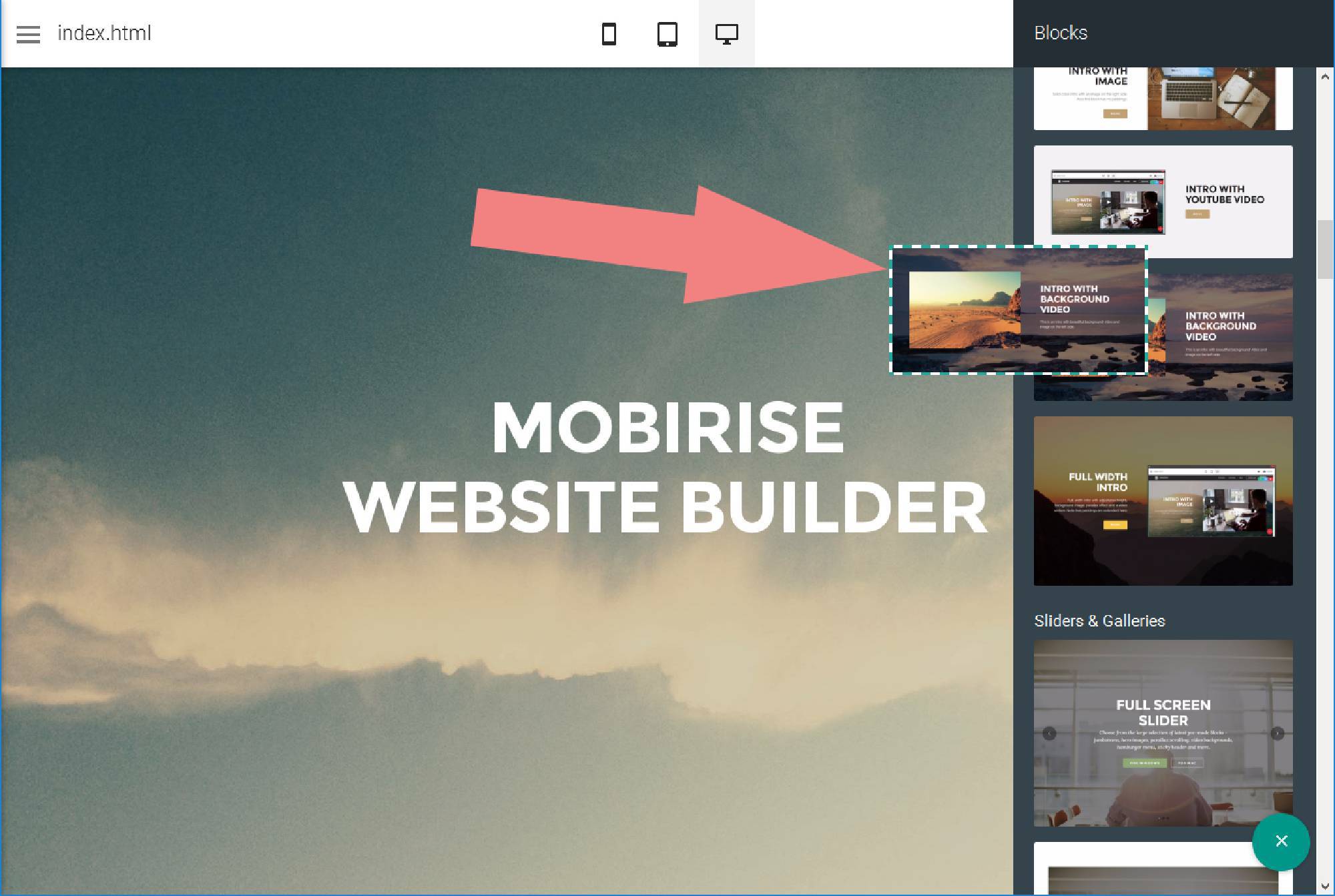
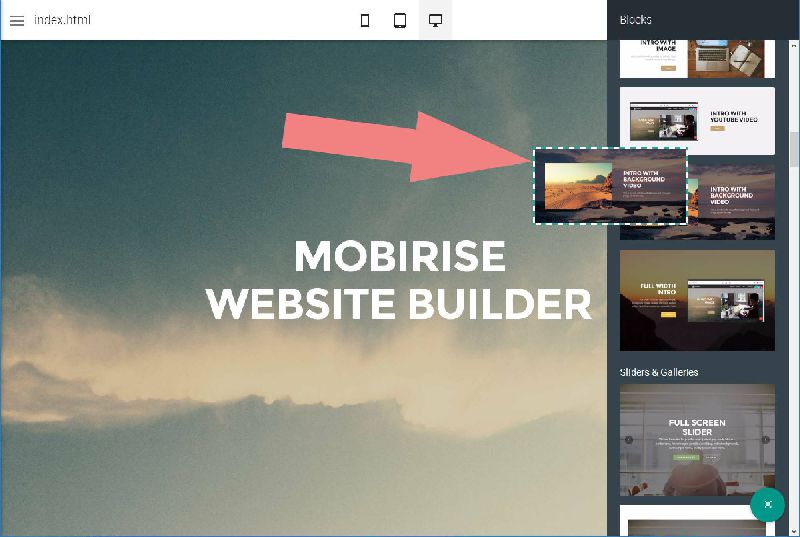 Place blocks to your page
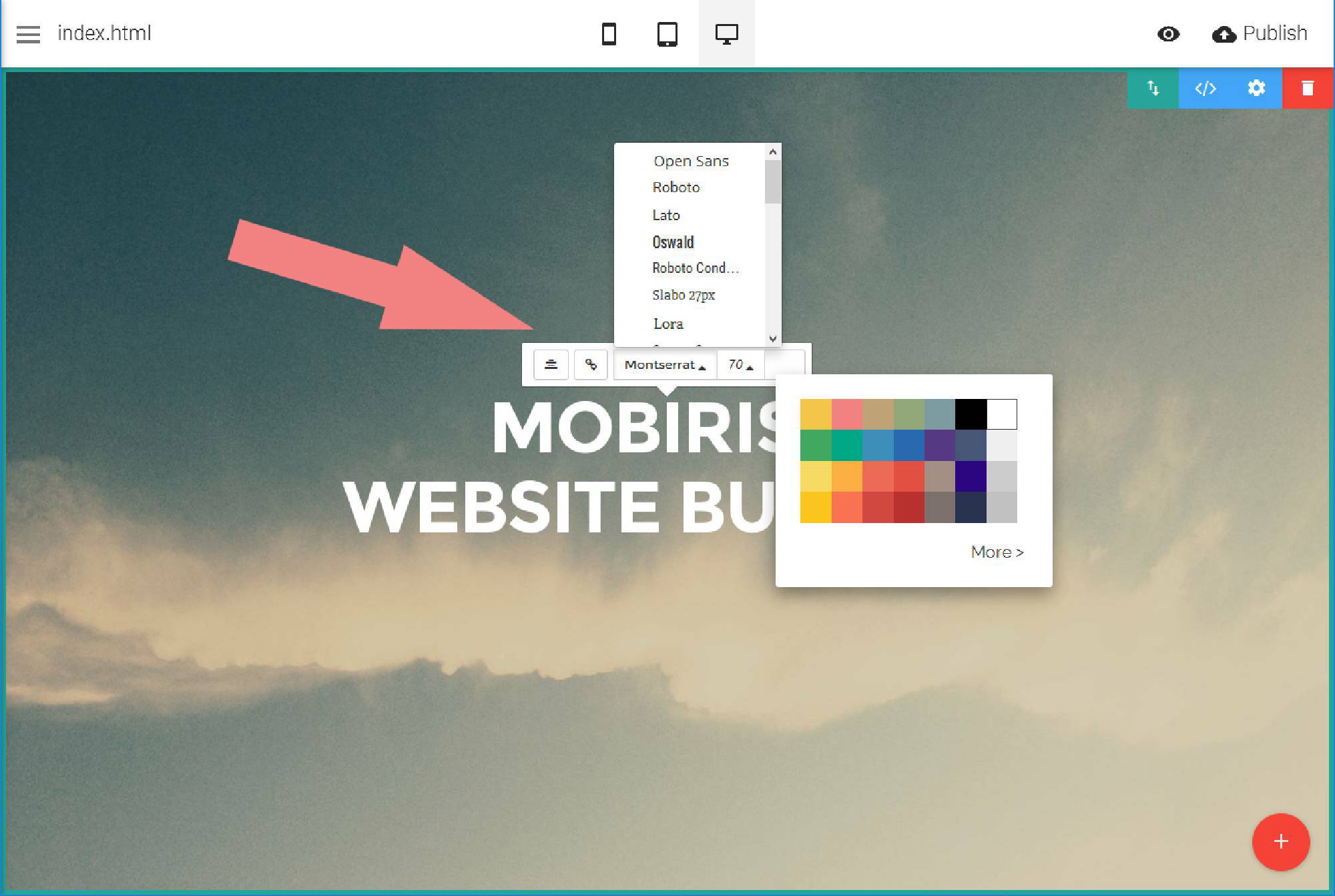
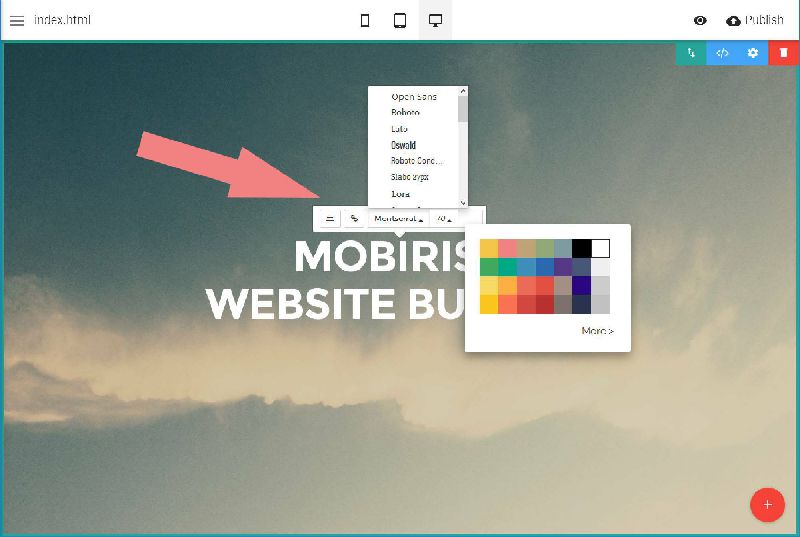 Edit your contect inline
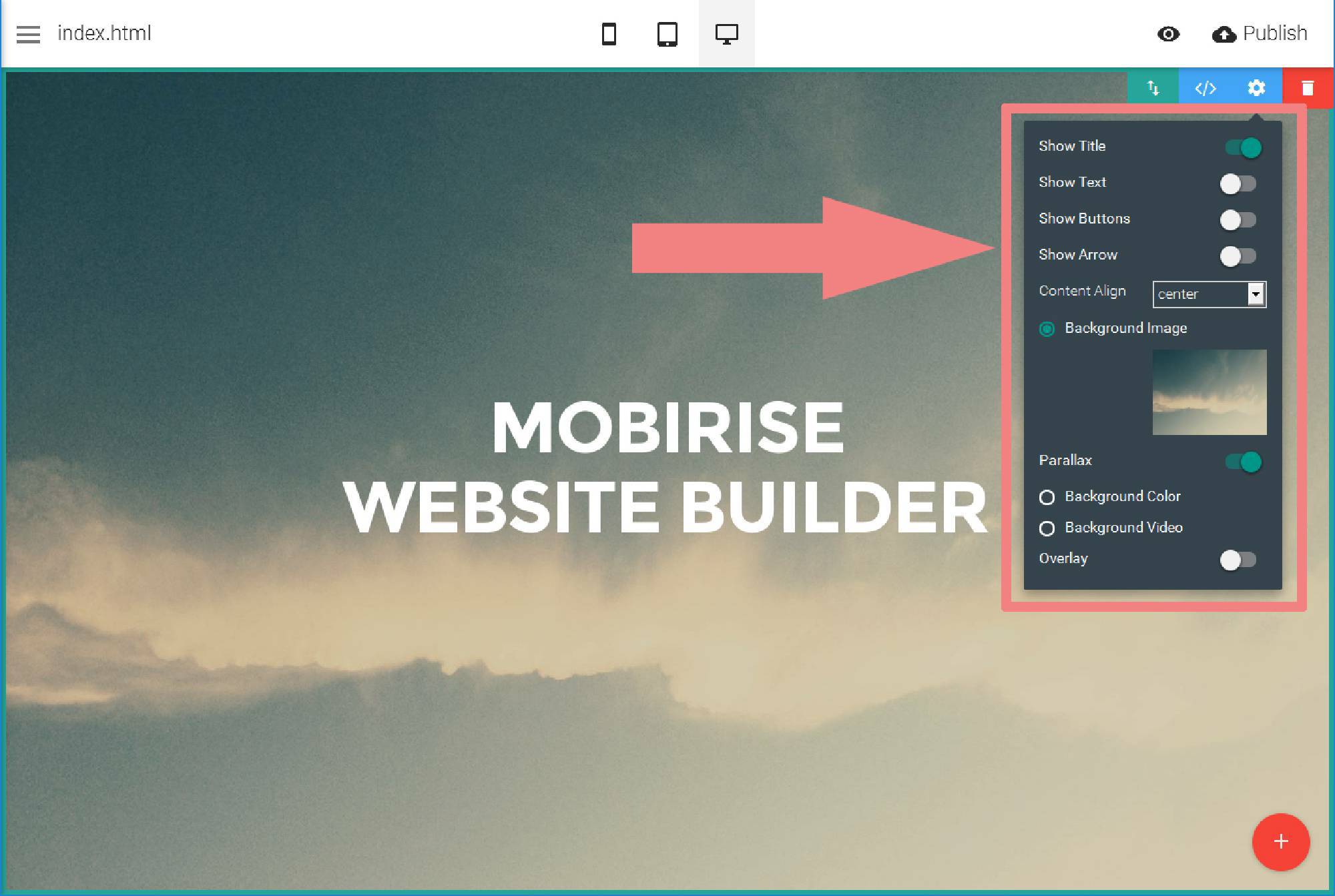
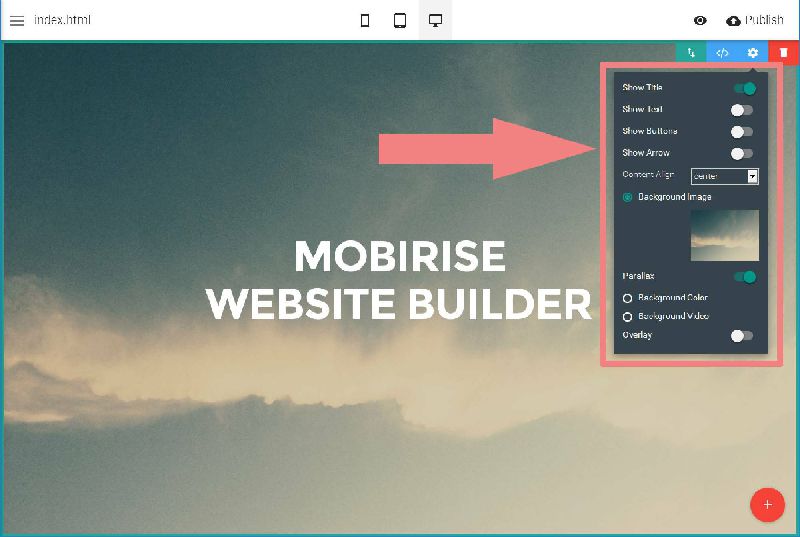 Adjust block settings
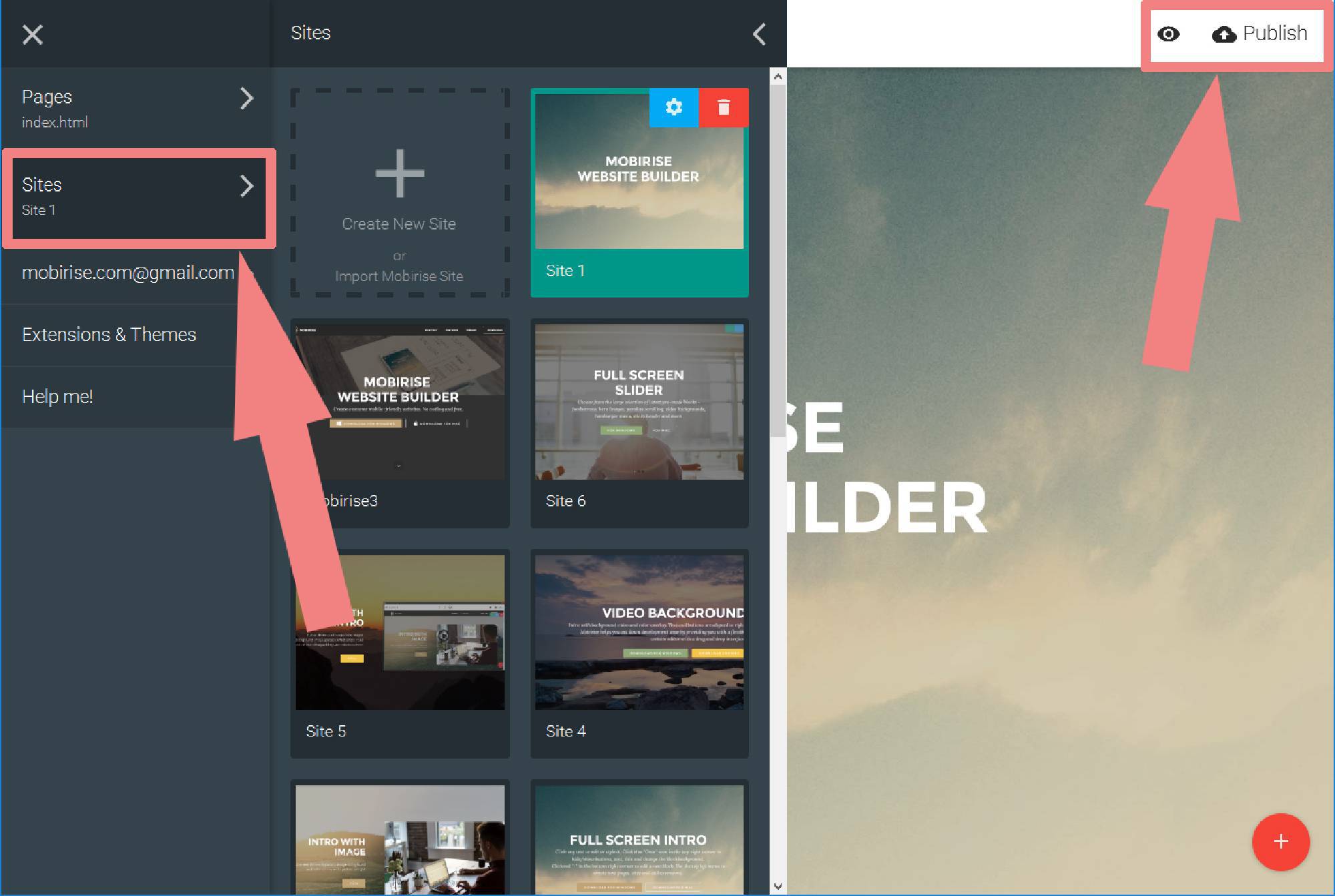
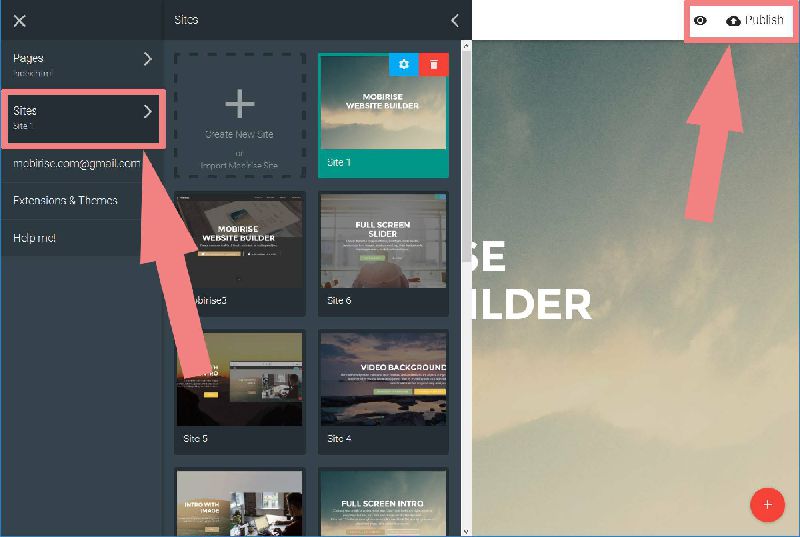 Manage and publish sites
 . Make sure to include details on your browser, operating system, Visual SlideShow version, link to your page.