Q: Is it possible to make the slide shows without the colored frames on the thumbnails?
A: You should find the following code in engine/css/slideshow.css file:
.slideshow-thumbnails a {
        display: block;
        float: left;
        padding: 5px;
        position: relative;
}
and set value of 'padding' parameter to '0px':
.slideshow-thumbnails a {
        display: block;
        float: left;
        padding: 0px;
        position: relative;
}
Or you can change color of the thumbnail frames in
engine/css/slideshow.css file.
Just find the following code:
.slideshow-thumbnails a:hover {
        background-color: #FF9 !important;
        opacity: 1 !important;
}

}
.slideshow-thumbnails-active {
        background-color: #9FF;
        opacity: 1;
}
.slideshow-thumbnails-inactive {
        background-color: #FFF;
        opacity: .5;
}
and set values you need for 'background-color' parameters.
 Place blocks to your page
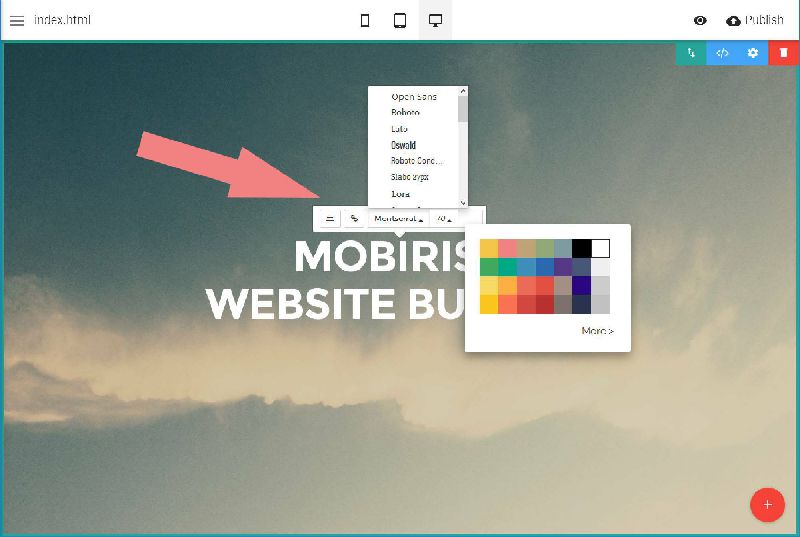 Edit your contect inline
 Adjust block settings
 Manage and publish sites

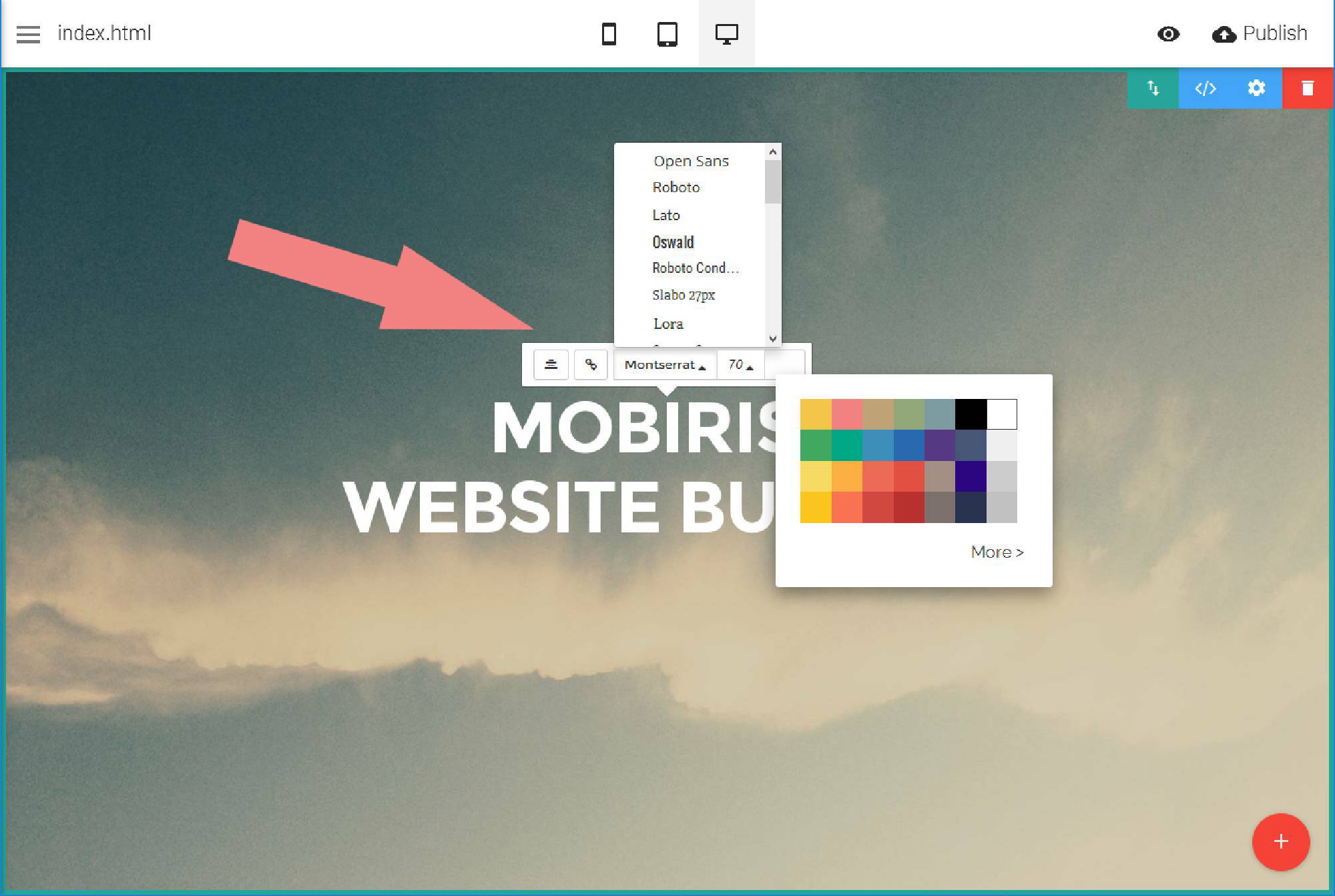


 . Make sure to include details on your browser, operating system, Visual SlideShow version, link to your page.